Your Mac fills up quietly.
A video export here. Another copy of a download there. Old Xcode builds, forgotten installers, and app support files accumulate until macOS asks you to make space—with very little context.
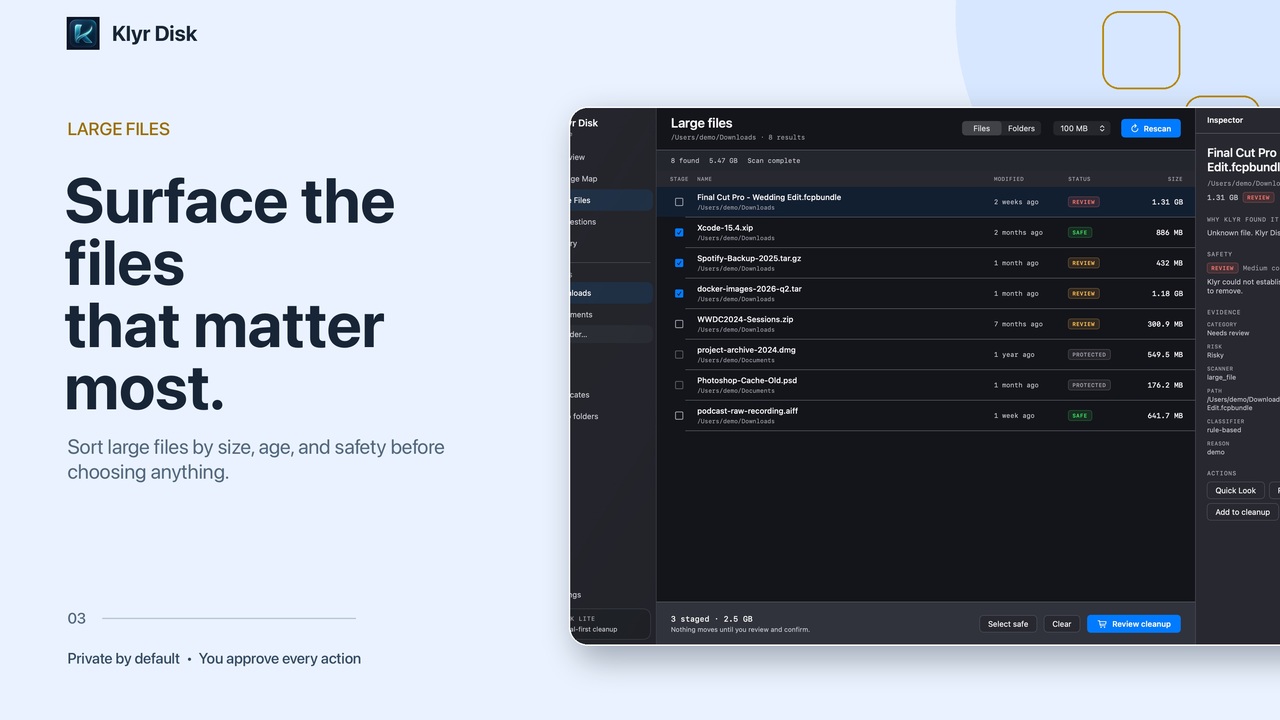
Video exports easy to forgetProject builds often rebuildableDownloads worth reviewingDuplicates verify first
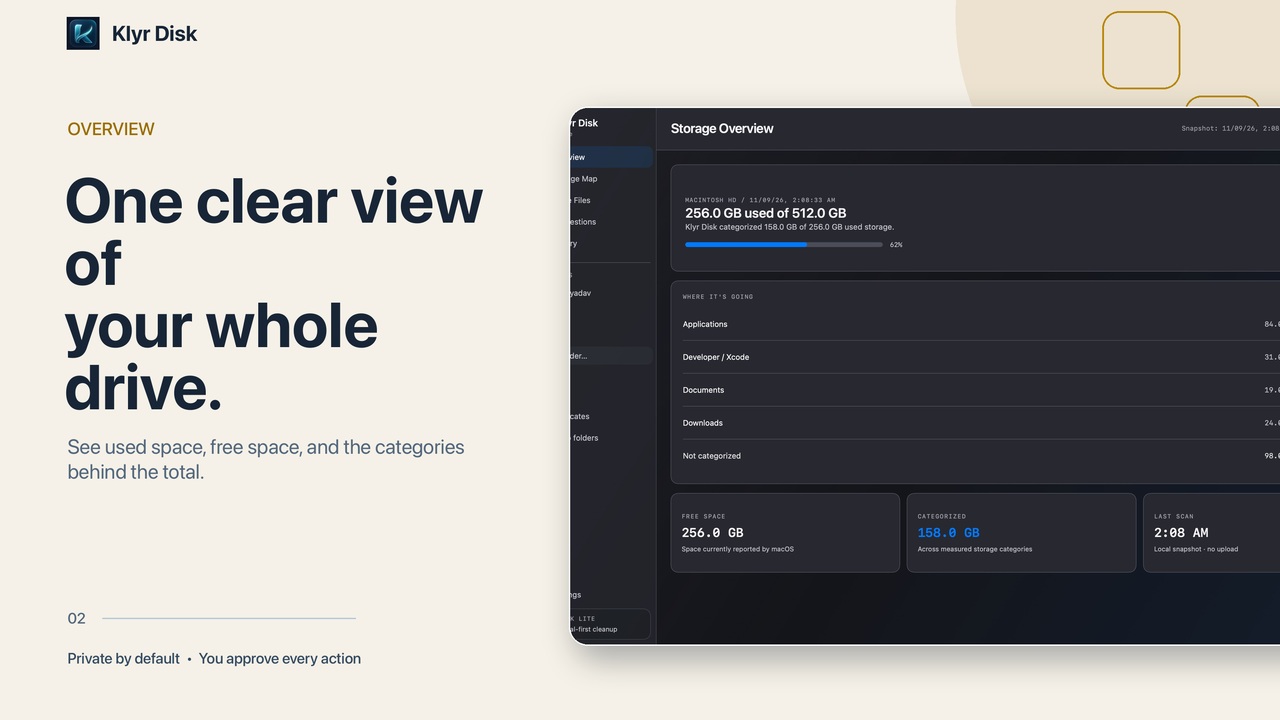
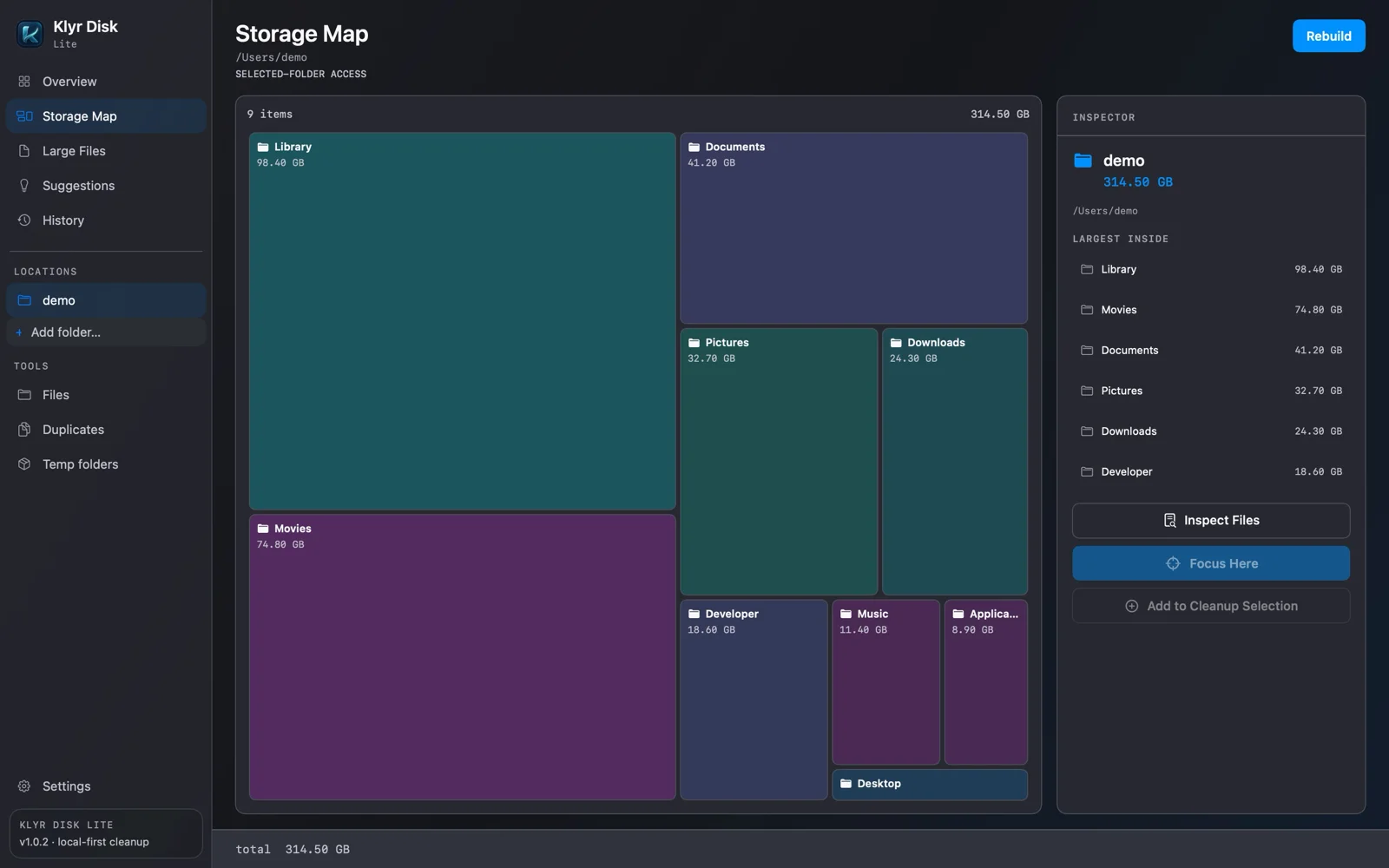
See what’s actually taking up space.
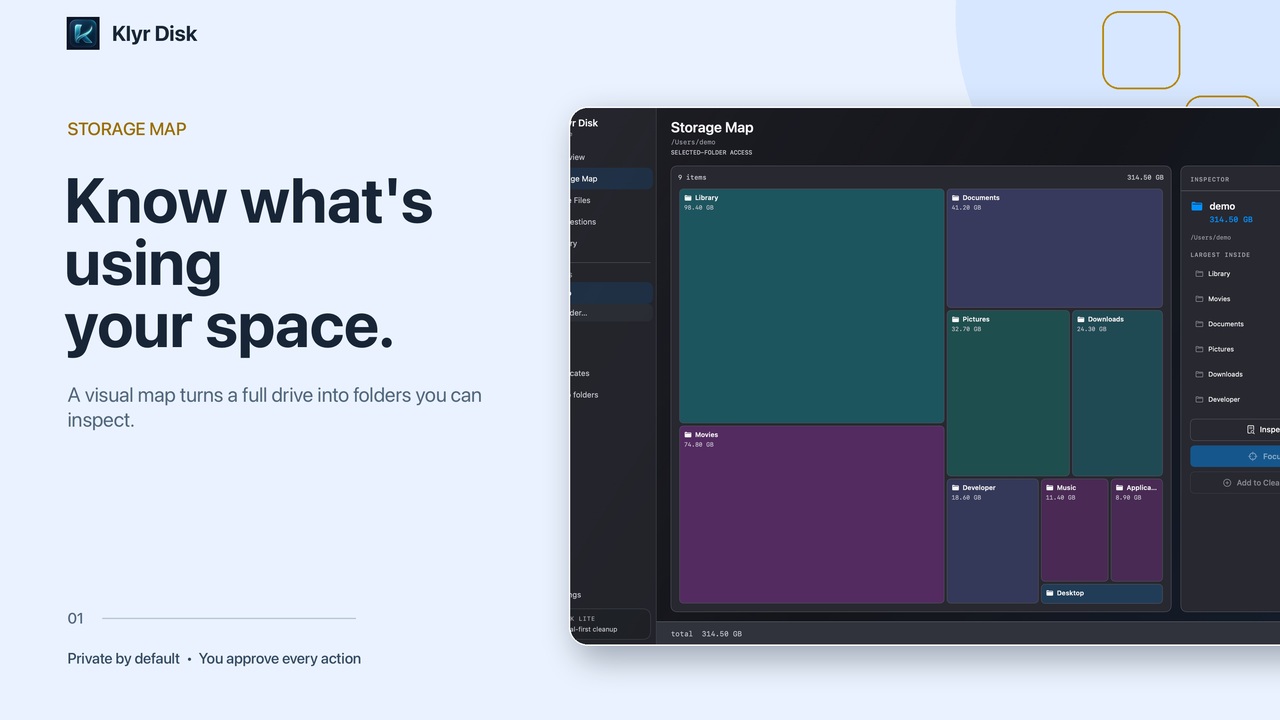
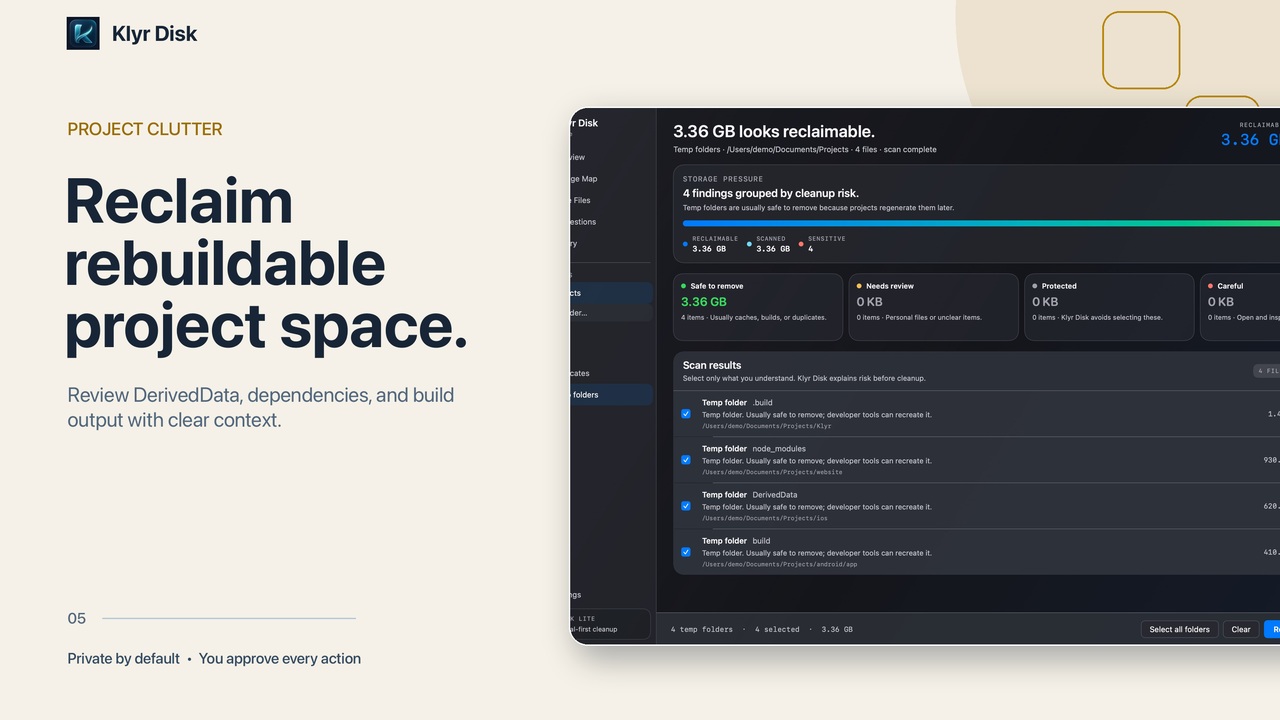
Instead of one vague storage total, you get a map of the folders you can inspect. Klyr separates verified duplicates and rebuildable project data from personal files that deserve extra care.
- Scanning runs on your Mac
- Every result shows its path and reason
- Pro adds optional AI guidance and read-only MCP
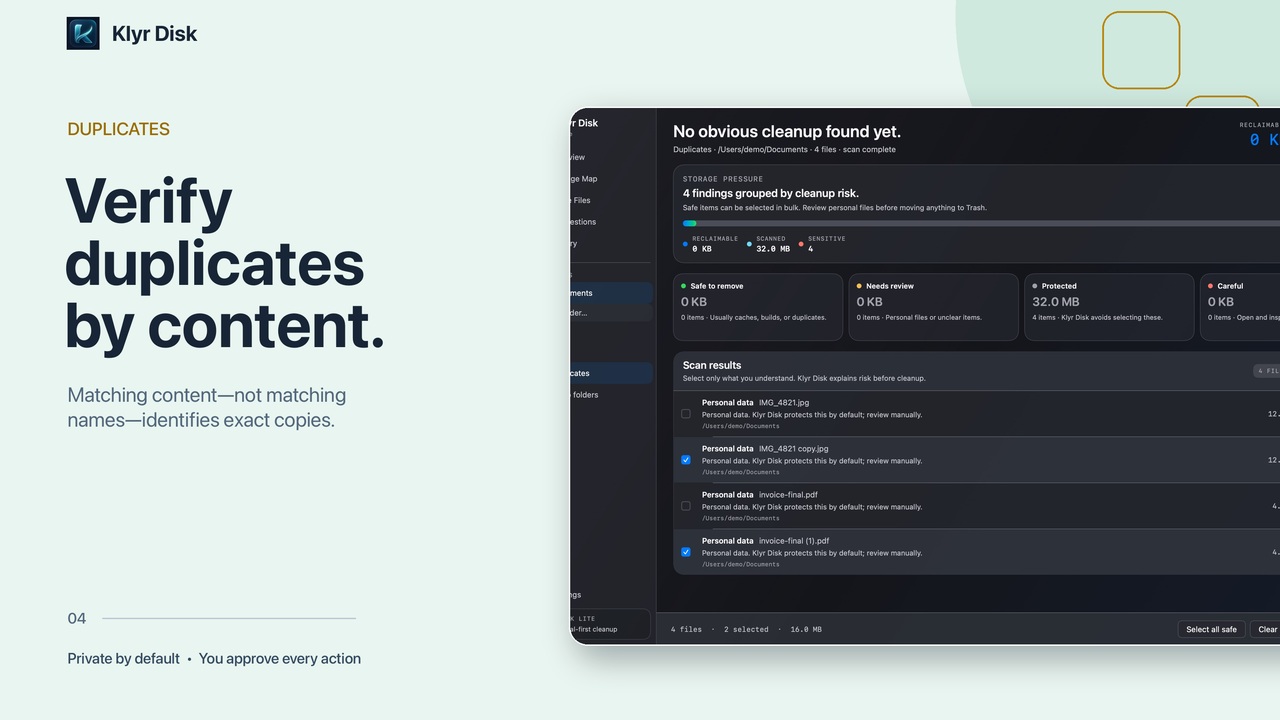
Exact duplicateContents match, not just the filename
ReviewRebuildable project dataSource files remain protected
ReviewPhotos libraryPersonal data needs a closer look
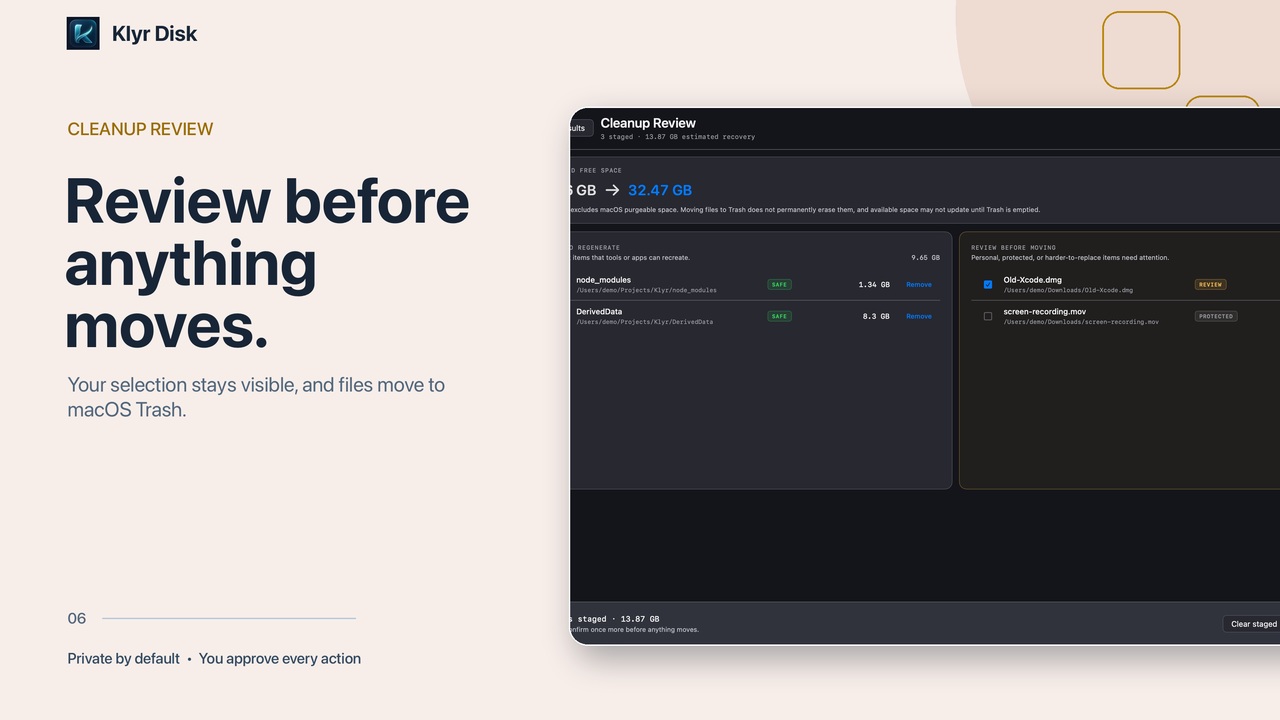
KeepChoose what to clean. Keep what matters.
Choose the results you recognize. Klyr moves only your selection to macOS Trash, so you can recover it if you change your mind.
Get Klyr Disk ProYour results depend on what is actually stored on your Mac.